

Add an Employee Once
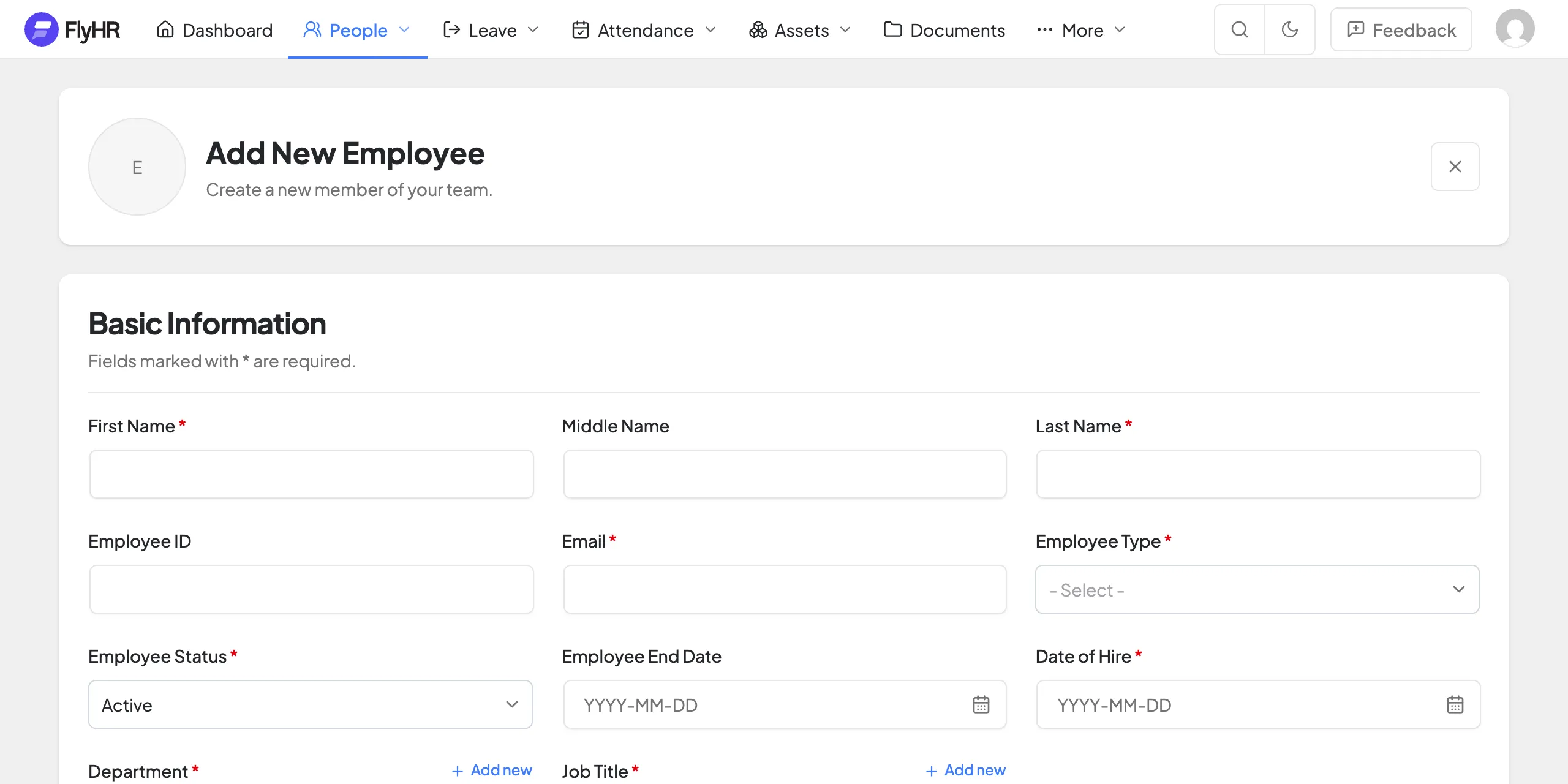
Everything about a person, in one form.
One Form
Name, ID, type, department, job title and pay together.
Reporting Line
Pick their manager and department as you go.
From a WordPress User
Turn an existing user into an employee.
FREE
Profiles, departments and access in one place.
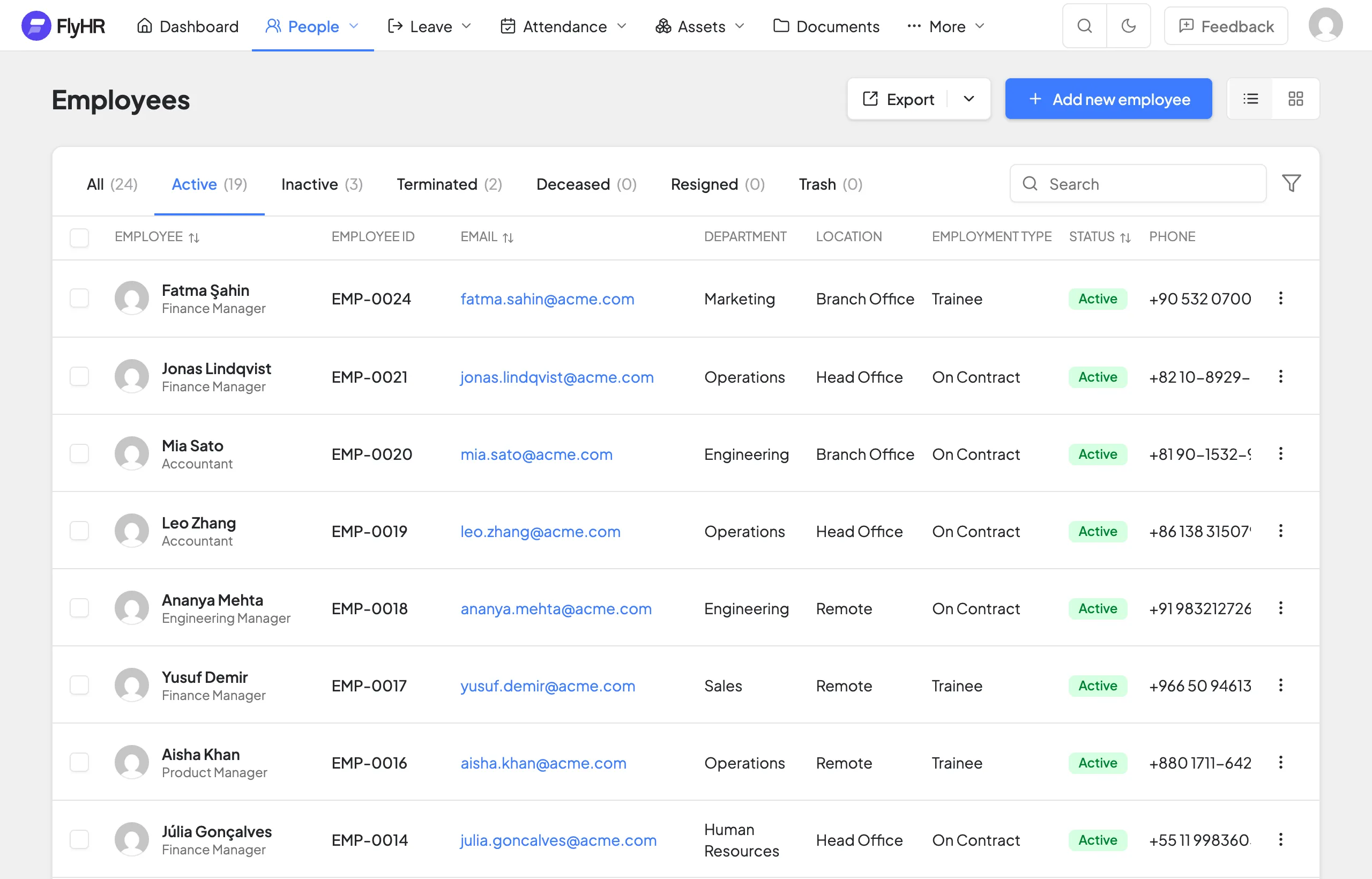
Search and filter by status or team.
Job history is kept, never overwritten.
Reactivate them if they come back.
HR manages everyone. Each employee manages their own.
Every profile, job history, pay details and private HR notes, for the whole company.
Their own profile, job information and leave requests. HR notes stay private to HR.
Everything about a person, in one form.
Name, ID, type, department, job title and pay together.
Pick their manager and department as you go.
Turn an existing user into an employee.
Status, type, pay and job title, tracked over time.
See what changed, and when.
Each change is kept, never overwritten.
Tenure, leave and employment in one view.
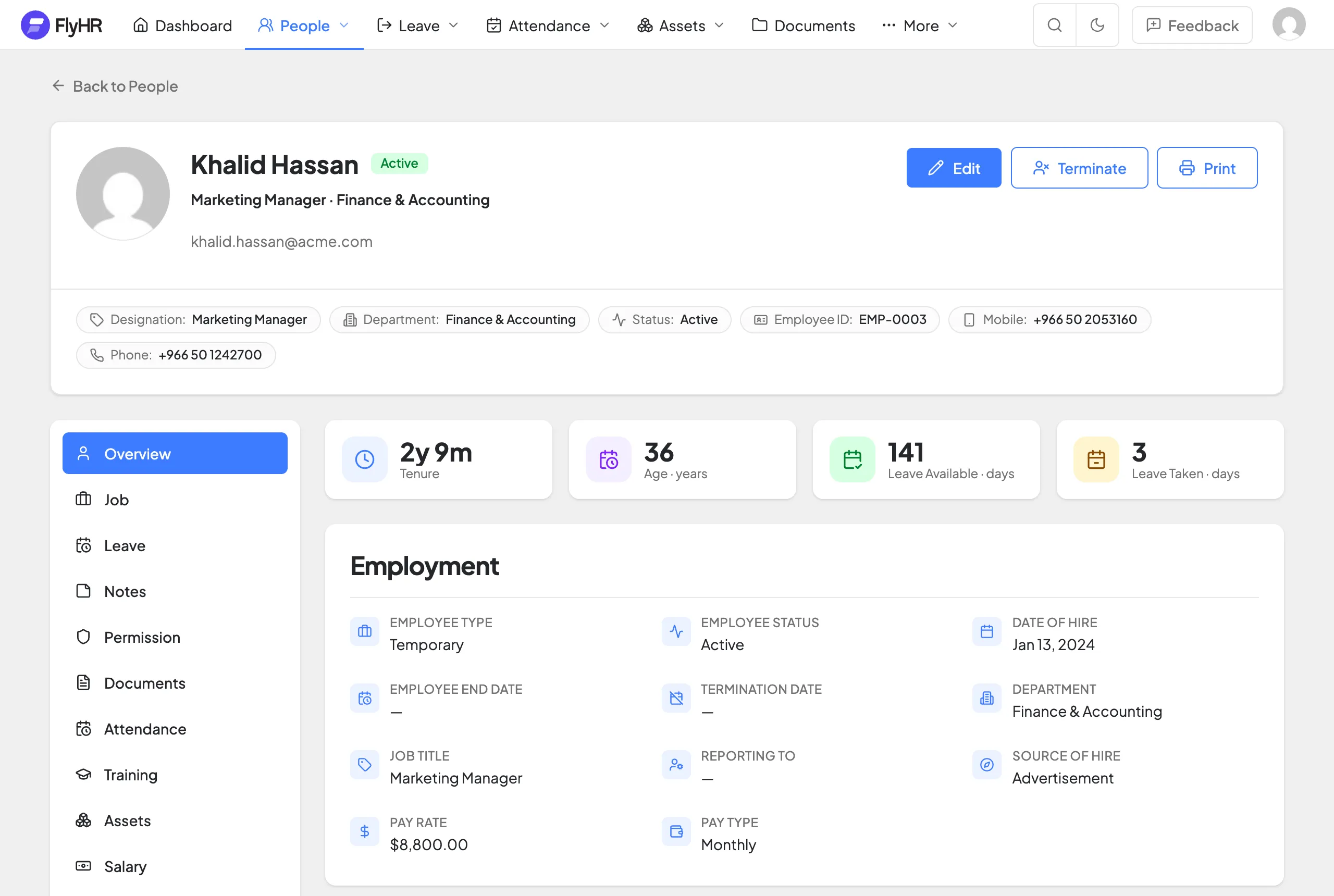
Five statuses. Nothing is lost.
Active, Inactive, Terminated, Deceased and Resigned.
A leaver's record and job history are kept.
If they return, pick up where they left off.
A real hierarchy, not a flat list.
Give any department a parent.
Each department shows its head.
See how many people each team has.
HR Managers get 15 permissions. Employees get 6.
All 15 permissions.
The directory, their own record, job info and leave requests.
Approve leave for their own team.
The details that keep every record complete.
Your own ID for each person.
Who each person reports to.
Where each hire came from.
Open to HR managers only.
One shared library of job titles.
Undo an accidental delete.
No. Add as many as you need. FlyHR never charges per employee.
Yes. Create the employee from their existing WordPress user.
Yes. Deleted employees go to Trash first and can be restored.
No. Staff who need access use their WordPress account.
Yes, automatically.

Free to use. Your data stays on your server.