

Scope a Policy Six Ways
Choose exactly who each policy covers.
Who They Are
Employee type, department or designation.
Where and More
Location, gender or marital status.
Waiting Period
Leave starts after probation.
FREE
Policies, requests, approvals and a leave calendar, with balances you can trace.
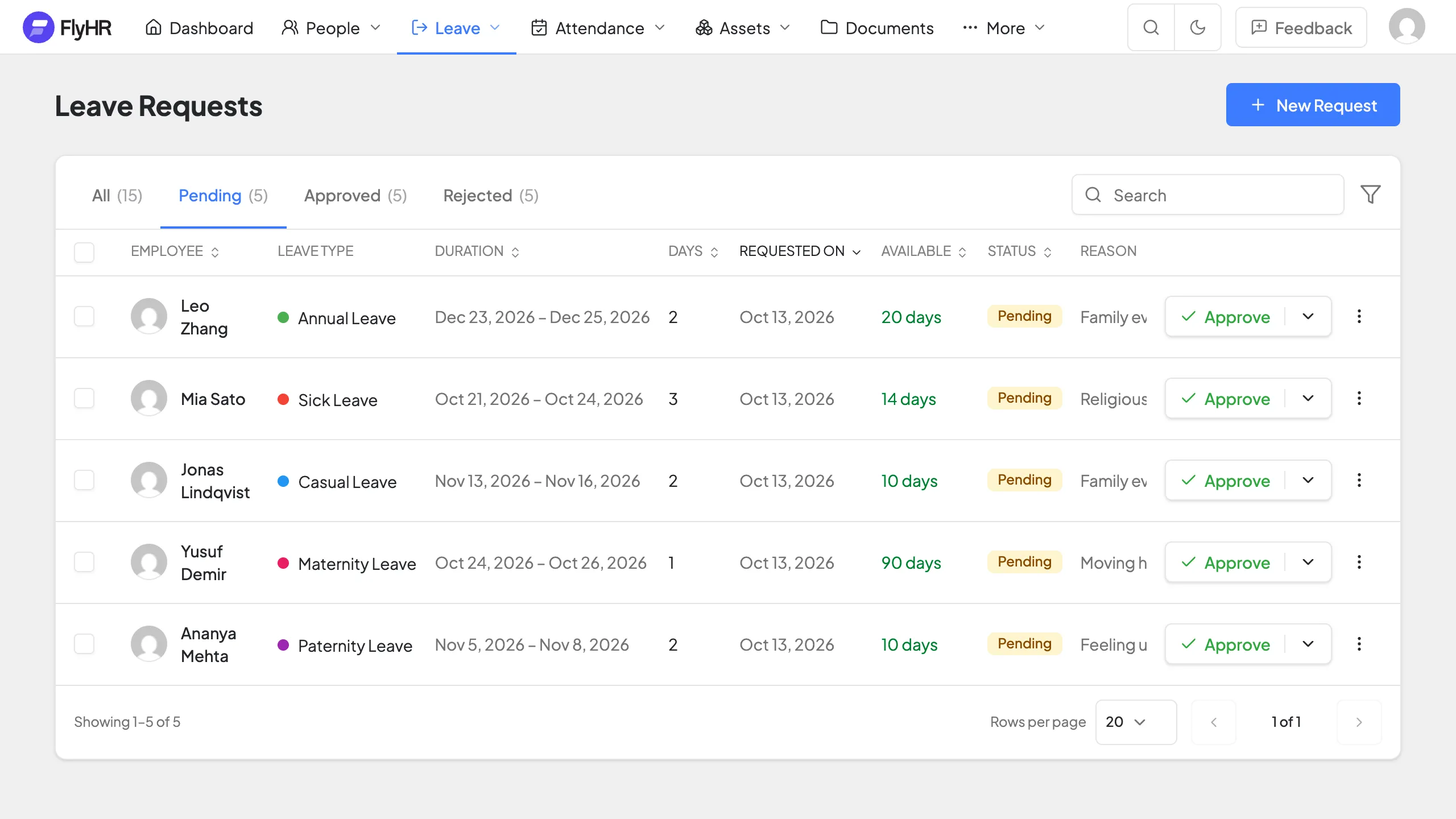
By type, team, location and more.
Department leads or HR decide.
Month, week or day, by team.
Picks a policy, chooses dates, adds a reason or a file, then follows the status.
Sees what is pending and approves or rejects, one by one or in bulk. A rejection always needs a reason.
Choose exactly who each policy covers.
Employee type, department or designation.
Location, gender or marital status.
Leave starts after probation.
A balance is the sum of its entries.
Days granted by a policy.
Days taken by approved leave.
Days returned when an approval is reversed.
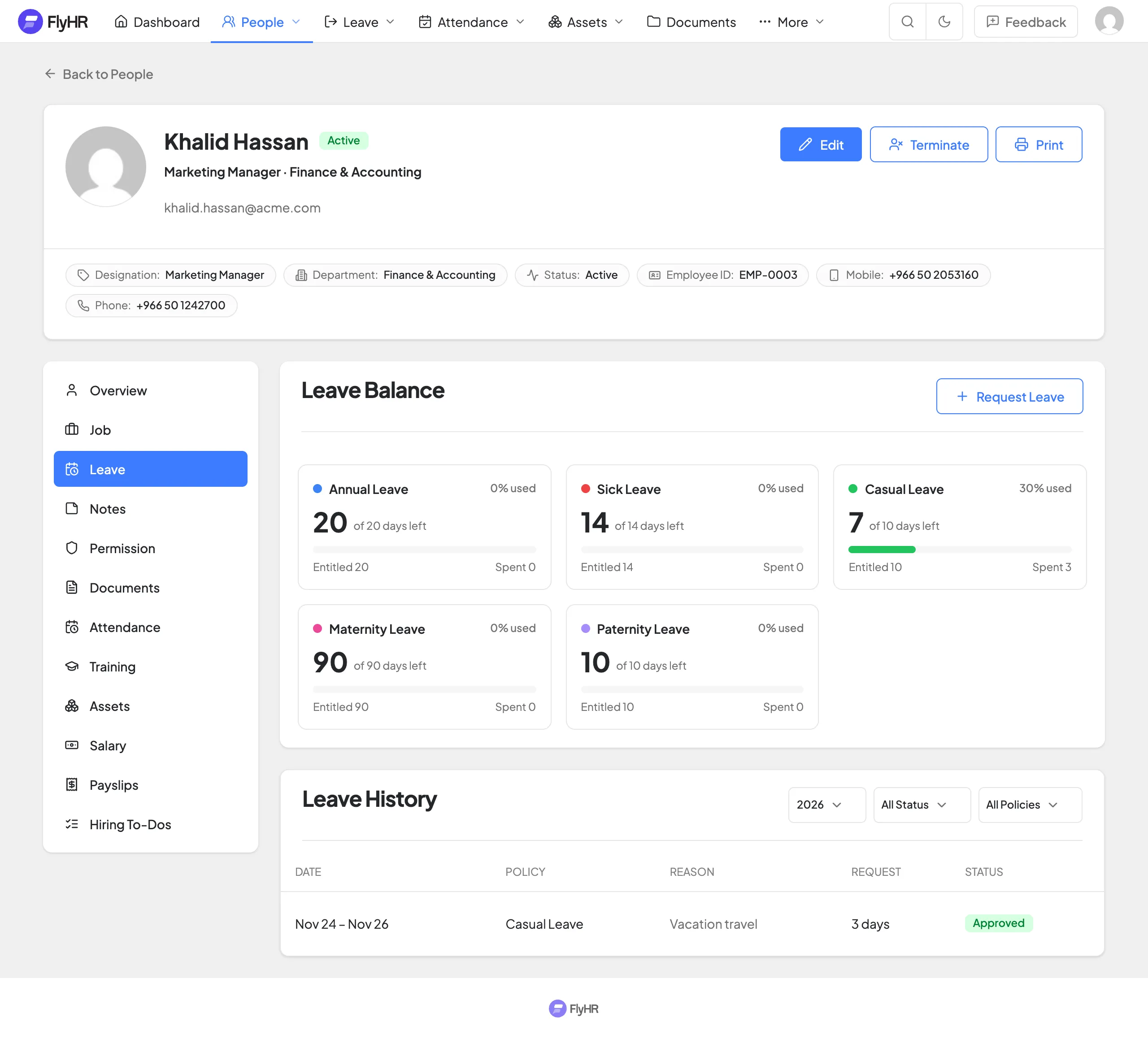
Dates checked first, then the right approver.
Against workdays and holidays before sending.
Decide for their own team.
Can decide on any request.
See who is away, and when.
Pick the view that fits.
By department or job title.
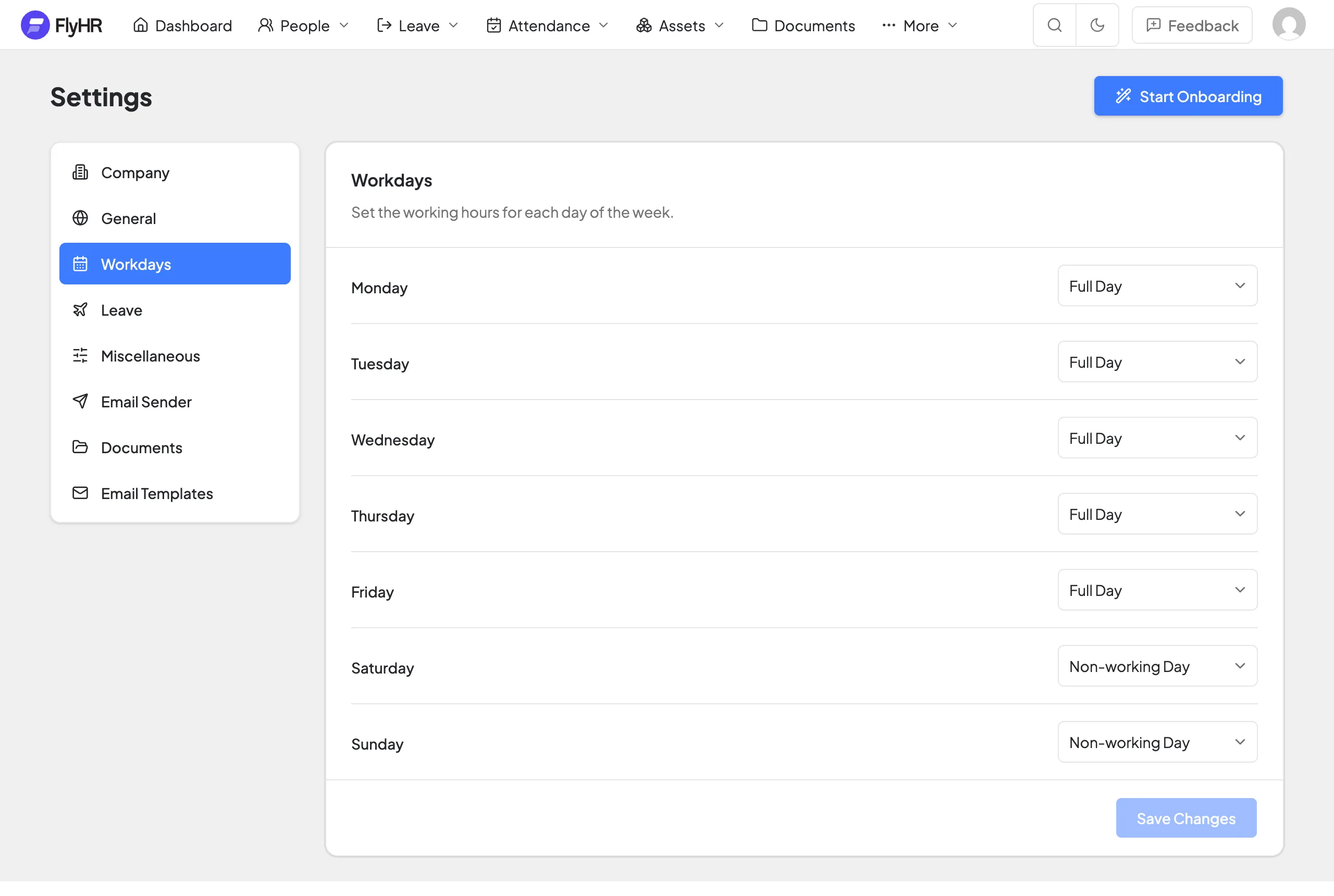
Holidays and non-working days are not counted.
Extra leave rules for complex policies.
Leave builds up over the year.
Move unused days on, or pay them out.
Morning or afternoon off.
Split an entitlement month by month.
Count off days between leave days.
More than one approver per request.
The small rules that keep leave running smoothly.
Annual, sick, casual and three more.
New hires get the right policy.
Approve or reject several at once.
Add a file, such as a medical note.
New requests and decisions by email.
Allow requests past the balance.
Annual, Sick, Casual, Maternity, Paternity and Bereavement. You can add your own.
Only if you turn on the Extra Unpaid Leave setting.
Yes. Reject an approved request and the days return to the balance as a new entry.
No. Non-working days and holidays are skipped.
Not at the moment. Add holidays one by one or as date ranges.

Free to use. Your data stays on your server.