Introducing FlyHR: HR and Leave Inside WordPress
FlyHR is an HR plugin for WordPress by weDevs. Employee records, leave policies, requests and approvals in your own database, no per-employee fees.
On this page
FlyHR, the HR plugin for WordPress by weDevs, keeps employee records, departments, leave policies, leave requests and approvals in your own WordPress database. It has been free on WordPress.org since version 0.1.0, its first public release, on August 25, 2026. Pro plans (Starter, Business and Agency) add attendance, payroll and hiring. They are priced per site, never per employee.
What FlyHR Does Today
As of November 2026, the free plugin covers four everyday HR jobs, plus tools around them. The features overview has the full list.
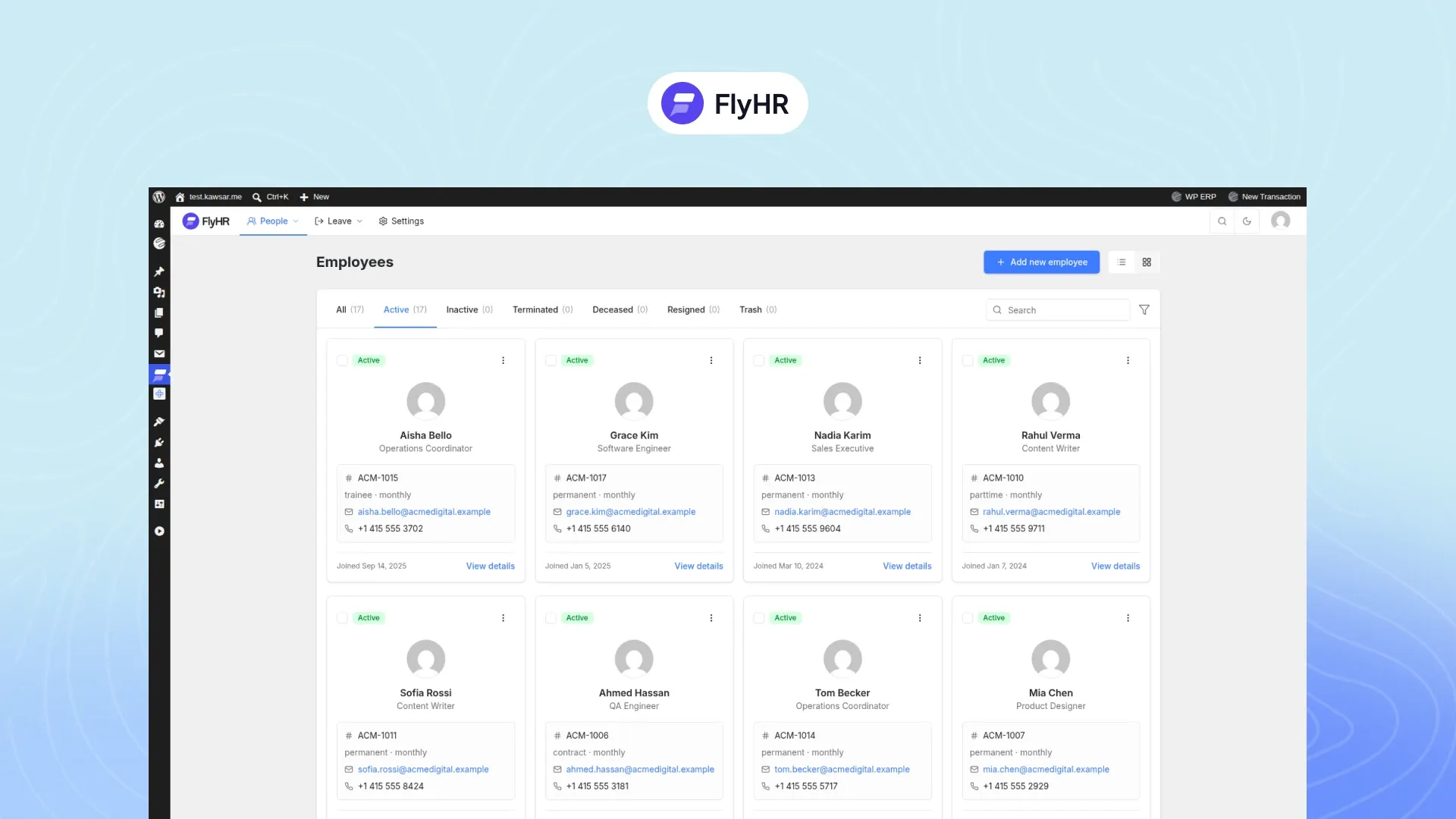
Keep Every Employee Record in One Place
Each person gets one record, added through one form. The directory sorts people by status, such as Active, Inactive and Resigned.
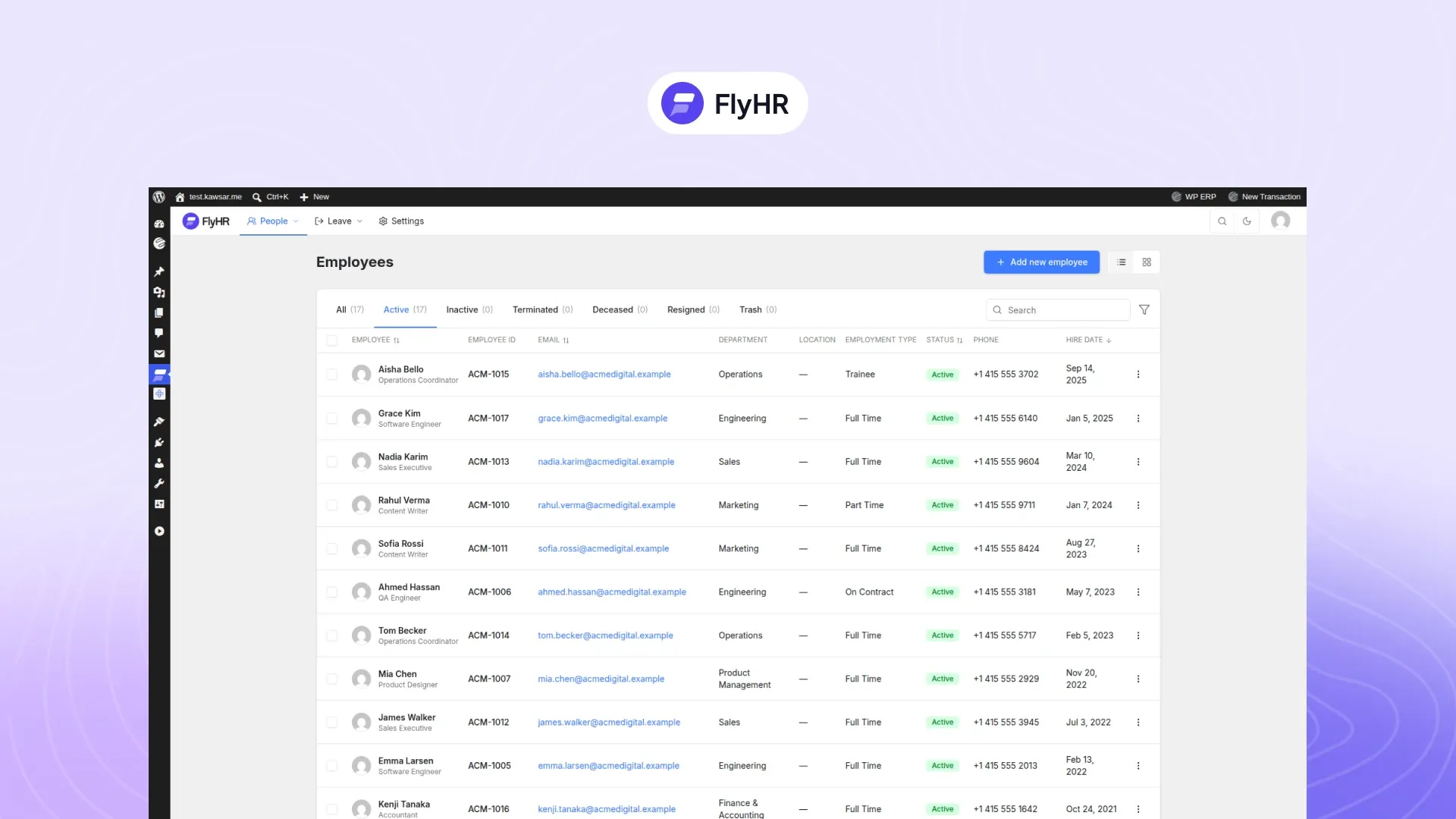
Job history tracks status, type, pay and job title over time, so you can see what changed and when. Private HR notes on a profile are open to HR managers only.
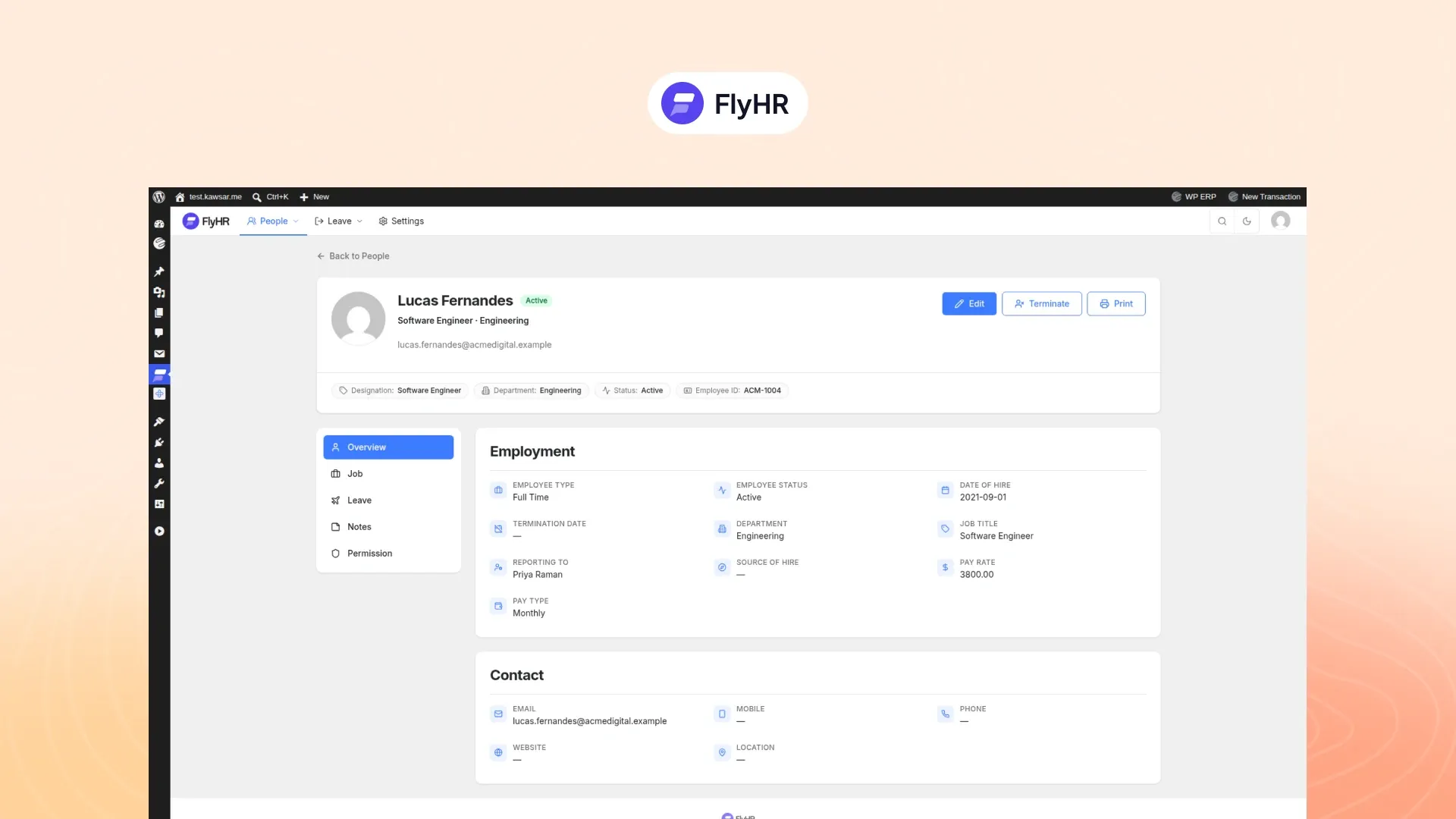
When someone leaves, you end their employment and keep the record. If they come back, you reactivate it. An existing WordPress user can become an employee in one step. The employee management page has the detail.
Set Up Teams and the Working Week
Departments can sit inside other departments, and each one can have a lead. Designations give you one shared library of job titles.
You set the working week day by day (full, half or non-working) and choose your financial year. Company holidays are added one by one or as date ranges, and FlyHR skips them when it counts leave days.
Run Leave by Your Own Rules
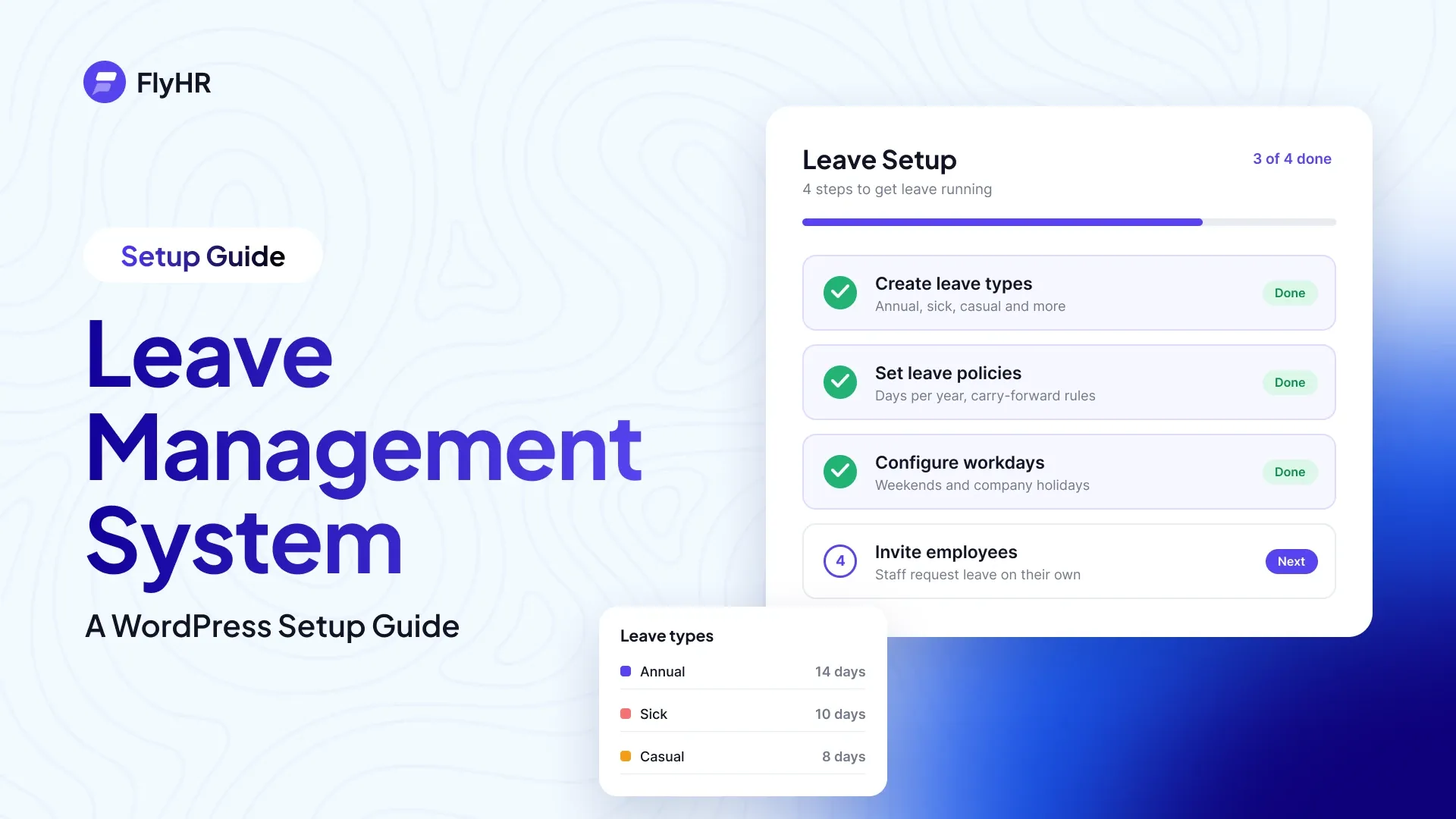
Six leave types are ready to use: Annual, Sick, Casual, Maternity, Paternity and Bereavement. You can add your own.
A leave policy sets the days per financial year and who it covers. You can scope it six ways: employee type, department, designation, gender, marital status and location. A waiting period lets leave start after probation, and new hires get the right policy automatically.
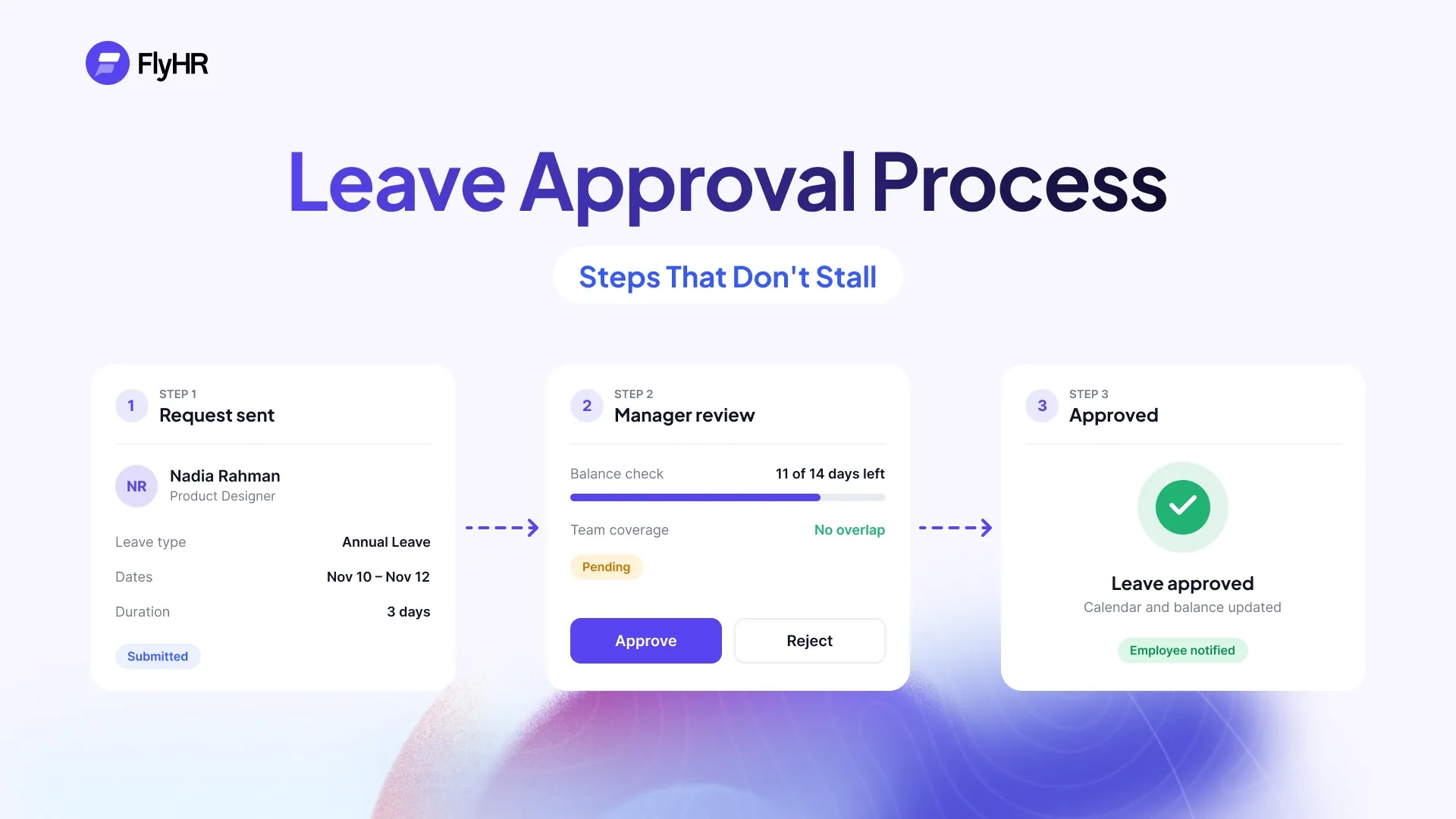
Requests are checked against workdays and holidays. Department leads decide for their own team. HR managers can decide on any request. Decisions can be made one by one or in bulk. Email alerts tell HR managers about new requests and employees about decisions.
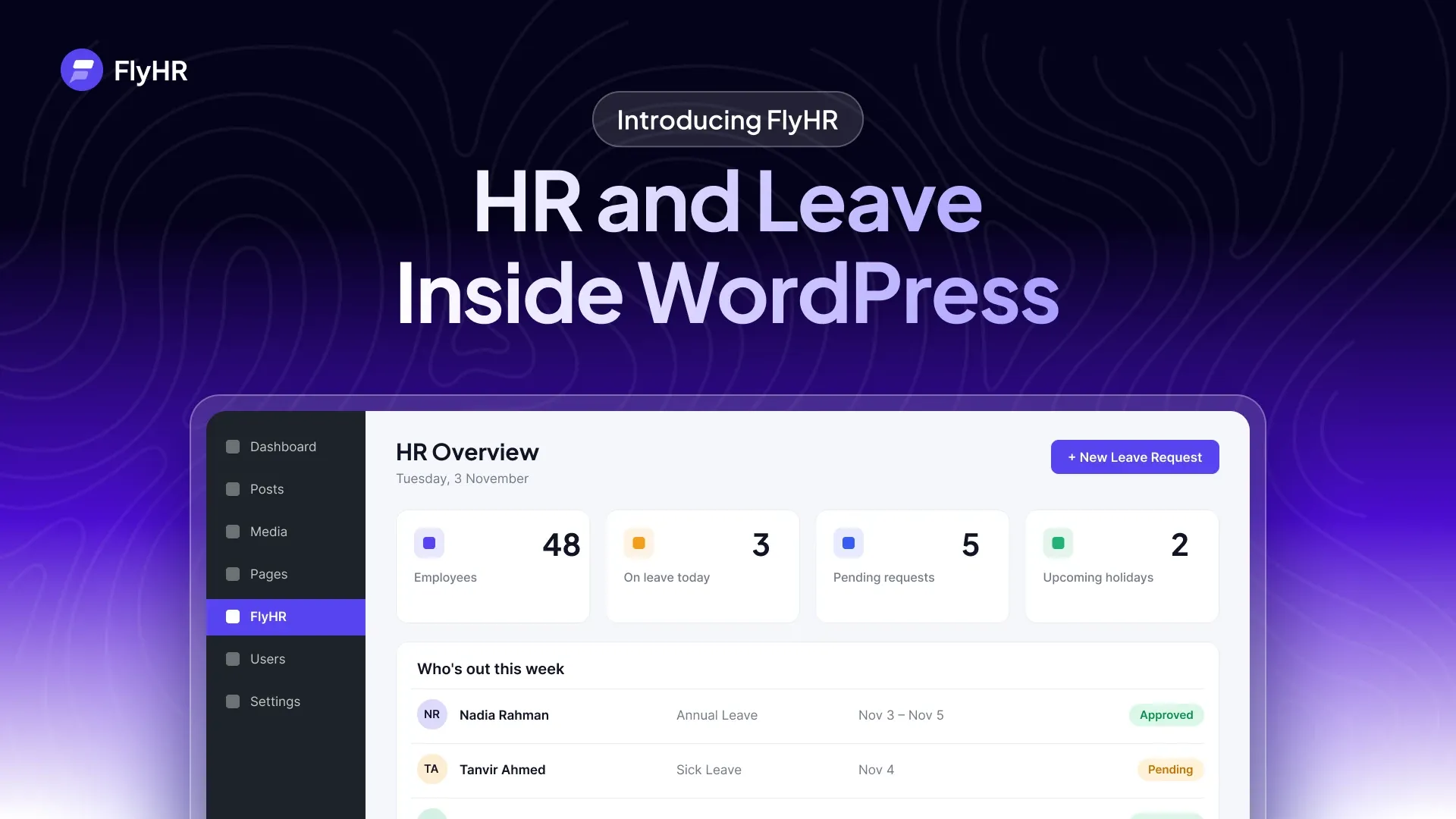
The leave calendar shows who is away by month, week or day, filtered by department or job title. The leave management page has more.
For Employees: Request Leave Yourself
Staff sign in with their WordPress account. There is no separate HR login. They see their own balances, file requests (with a file such as a medical note), and follow each request’s status. They can also browse the directory and open My Profile.
There are two roles, HR Manager and Employee. HR Managers get 15 permissions. Employees get 6. WordPress administrators are HR managers automatically.
More in the Free Plugin
The free plugin also includes:
- Announcements: news for everyone, a department or a designation.
- HR reports: six of them, covering head count, age, gender, years of service, salary history and leave.
- Performance reviews: ratings and comments on each profile.
- Requests hub: resignation, remote work and leave requests in one list.
- CSV in and out: move employee data in and out by CSV.
- HR dashboard: headcount, announcements and your leave calendar.
How a Leave Balance Is Kept
FlyHR keeps leave as a ledger. Every entitlement, deduction and refund is its own ledger entry, and the balance is the sum of them.
Say a policy grants an employee 20 days of annual leave, and they take 3. The record holds one entry for the 20 days granted and one for the 3 days taken. The balance reads back 17, and the history shows how it got there. If an approved request is later rejected, FlyHR records the returned days as a new entry.
What the Pro Plans Add
As of November 2026, each plan includes everything in the one before it:
| Plan | In one line | What it adds |
|---|---|---|
| Starter | Track time and run leave by the rules. | Attendance and shifts, self check-in with IP whitelist, late, early and overtime tracking, attendance reports, half-day leave, accrual and carry-forward, multi-level approval, a weekly HR digest |
| Business | Pay your people correctly, every month. | Payroll with pay calendars, payslips by email, attendance-based pay, bank payment export, expense reimbursement, leave encashment, company and employee documents, Dropbox document storage, custom employee fields |
| Agency | Hire, train and automate as you grow. | Careers page and job board, Google for Jobs listing, candidate pipeline and stages, AI Job Post Writer and AI Talent Pool (CV scoring) with your own API key, workflow automation, training with auto-assign, asset tracking and requests, SMS notifications, the standard FlyHR mobile app |
Every Pro plan is priced per site, yearly or one-time, with unlimited employees. Each plan covers one WordPress site, and you can ask for a full refund within 14 days. Current prices are on the pricing page.
What FlyHR Does Not Do
- No attendance, payroll or recruitment in the free plugin. Attendance comes with Starter and up, payroll with Business and Agency, and recruitment with the Agency plan.
- No AI in the free plugin. AI appears only in two recruitment tools on the Agency plan, with your own API key.
- No per-employee fee. Not on Free, and not on any Pro plan.
- Nothing on your public pages. The free plugin runs inside the WordPress admin and adds nothing to your public pages, so your theme does not affect it. The one exception is the careers page on the Agency plan.
Where Your HR Data Lives
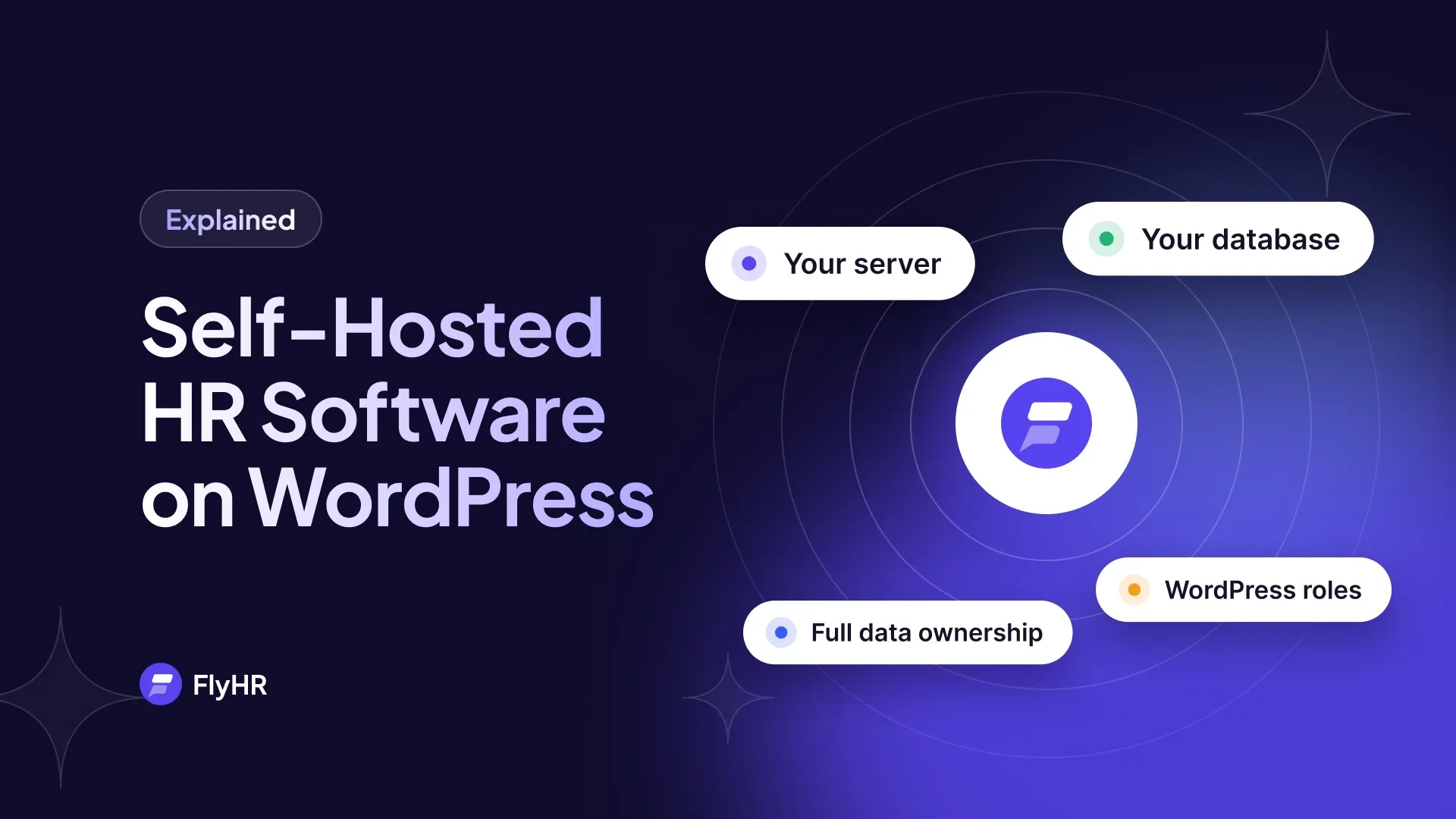
In your own WordPress database. FlyHR runs on your site, so employee records never leave it. The data sits in dedicated wp_flyhr_* tables, kept apart from your posts and pages.
FlyHR is released under the GPL, and it can be translated with the standard WordPress tools.
Some Pro features connect to services you choose. Dropbox document storage is on the Business plan and up, and an AI provider and an SMS gateway are on the Agency plan. The mobile app reads and saves data on your site through App Bridge.
FlyHR and WP ERP
FlyHR comes from the team behind WP ERP and was rebuilt as its own plugin, with its own database tables. It is built and supported by weDevs, the WordPress team behind Dokan, FlyWP, weDocs and WP ERP.
Getting Started
FlyHR needs WordPress 6.4 or newer and PHP 7.4 or newer.
- Install the plugin. In your WordPress admin, go to Plugins, then Add New, search for FlyHR, and install and activate it. It is also on WordPress.org.
- Run the setup wizard. Seven short steps cover your company profile, departments, designations, leave year and leave types, and working days.
- Add your people. Use the add-employee form, or turn existing WordPress users into employees.
- Check the leave policies. Confirm the days per financial year, who each policy covers and any waiting period. Add your company holidays.
- Tell your staff. They sign in with their WordPress account, see their balances and request leave.
The FlyHR Mobile App
The FlyHR mobile app for Android and iOS has four headline features: Slide to Check In for attendance from the phone, Leave on the Go to check balances and request leave anywhere, Team Directory to call, message or email anyone in one tap, and Who’s Out Today for leave, birthdays and anniversaries at a glance. The standard app comes with the Agency plan, and a custom-branded app is available for any paid plan. See the mobile app page.
Frequently Asked Questions
Is FlyHR Free?
Yes. The FlyHR plugin on WordPress.org is free, with unlimited employees. It covers employee records, departments, leave policies, requests, approvals and the leave calendar. Pro plans add attendance on Starter, payroll on Business and recruitment on Agency, priced per site with yearly or one-time billing.
Is There a Limit on Employees?
No. Every plan, including Free, has unlimited employee records, and FlyHR never charges per employee. Pro plans are priced per site instead, and each plan covers one WordPress site. Adding a new hire to your team does not change what you pay for FlyHR.
Where Is Employee Data Stored?
In your own WordPress database, in dedicated wp_flyhr_* tables kept apart from your posts and pages. The free plugin runs on your site, so employee records never leave it. Some Pro features connect to services you choose, such as Dropbox on Business and Agency, or an AI provider or SMS gateway on Agency.
Can Employees Request Leave Themselves?
Yes. Staff sign in with their WordPress account, see their own balances, file requests and follow each request’s status. Dates are checked against workdays and holidays before a request is sent. Department leads decide for their own team, HR managers can decide on any request, and the employee gets an email with the decision.
FlyHR is on WordPress.org. To set up leave step by step, read our guide to a leave management system in WordPress. For where the data sits and why, see self-hosted HR software.
Written by
Kawsar Ahamed
Digital Marketing Specialist
Kawsar writes about HR and business tools that run inside WordPress, for small teams that want to keep things simple.